
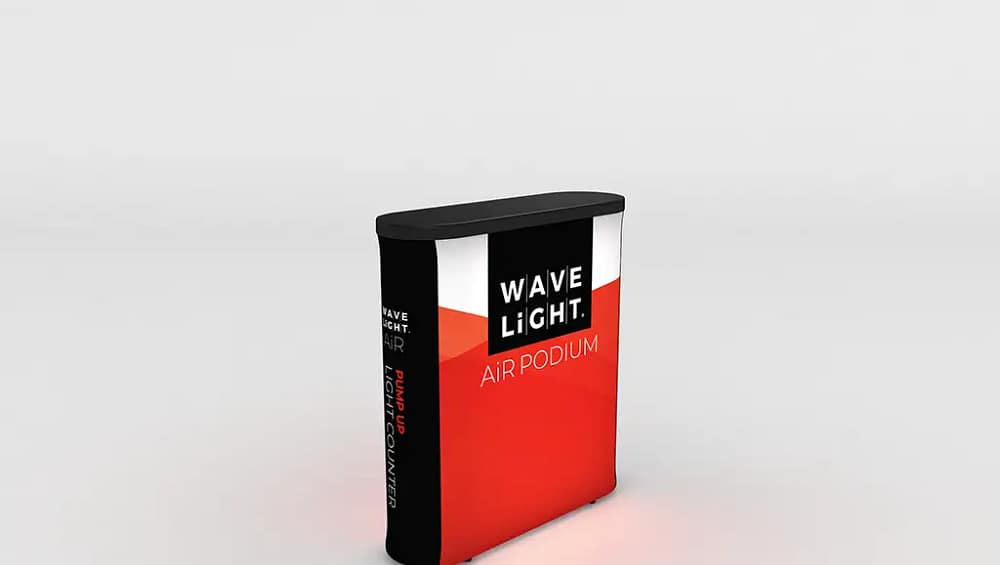
How to Assemble WaveLight® Air Podiums for Quick Setup
WaveLight® Air Podiums offer a highly effective way to create illuminated podium solutions for trade shows, conferences, and retail activations across Australia. Understanding how to assemble these units correctly ensures your stand looks professional, remains safe, and can be set up in minutes. This guide walks you through preparation, assembly, safe operation, and pack-down so your team can confidently use these branded inflatable podiums at any event.
Understanding WaveLight® Air Podiums
WaveLight® Air Podiums are inflatable counters with an internal LED system that turns a simple plinth into one of the most striking portable display solutions on the floor. Each unit usually includes an inflatable base, a printed fabric wrap, a solid countertop, a pump, and power supplies for lighting. When paired with custom-printed podium graphics, they help draw attention to product demonstrations, reception points, or promotional offers without adding unnecessary weight or bulk to your kit.
Preparing for a Fast, Safe Setup
Before inflating, choose a clean, flat area free from sharp objects or hot surfaces that could damage the base. Unpack the podium, checking you have the inflatable core, graphic wrap, countertop, pump, and any lighting cables or controllers. Confirm the event space offers suitable power access if you plan to illuminate the podium as part of your event presentation tools. Laying components out in order of use helps speed up assembly and supports quick-setup display systems when your team is working to tight bump-in times.

Step-by-Step Assembly Instructions
Start by connecting the pump firmly to the inflation valve, then inflate the base until it feels stable and the sides appear smooth without bulging. Next, position the printed fabric wrap at the base and gently pull it over the inflatable core, ensuring logos and custom branding options line up correctly. Secure any zips or hook-and-loop closures so the surface looks neat. Finally, align the countertop with the top rim and press evenly until it locks into place, then connect the LED system to power, routing cables away from walkways.
Using WaveLight® Air Podiums Safely and Effectively
Place the podium on an even surface to keep it stable, particularly in high-traffic exhibition aisles or busy foyers. Avoid exceeding the recommended load on the countertop; lightweight event displays are not designed to support heavy equipment or visitors sitting on them. Keep drinks and cleaning liquids away from power boards and dimmer controls. For outdoor activations, consider additional weighting at the base if allowed by the design, and remember that portable trade show furniture is best used in mild, dry conditions to prolong its life.
When your event finishes, switch off and disconnect all power before removing the countertop and storing it in its sleeve. Open the valve and gently press on the structure to release air without forcing sharp folds that could stress the material. Slide off the graphic, folding it with the print facing inwards to protect reusable event branding from scuffs and dirt. Pack all components back into the supplied carry case so your modular presentation stands remain ready for the next campaign. To explore how these WaveLight® Air Podiums can enhance your portable event setup, speak with a display specialist and compare them with other portable display solutions for your needs.


